 StandMonkey
Sit. Stand. Move.
Kind to your back.
A sit/stand timer for any desk. It reminds you to change position, gets firmer if you ignore it, and builds your standing time up gently, so a sore back gets a break without you having to think about it.
Coming soon to the App Store Mac, iPhone, iPad, WatchmacOS 15 · iOS 18 · iPadOS 18 · watchOS 11 · one purchase for all
How it works
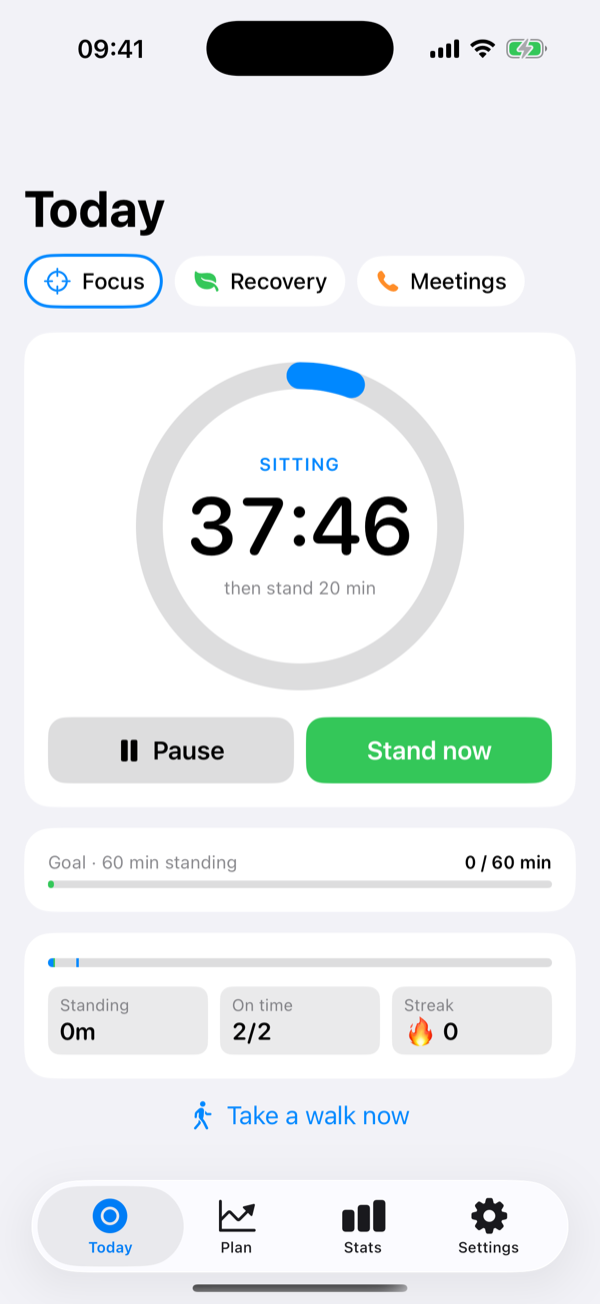
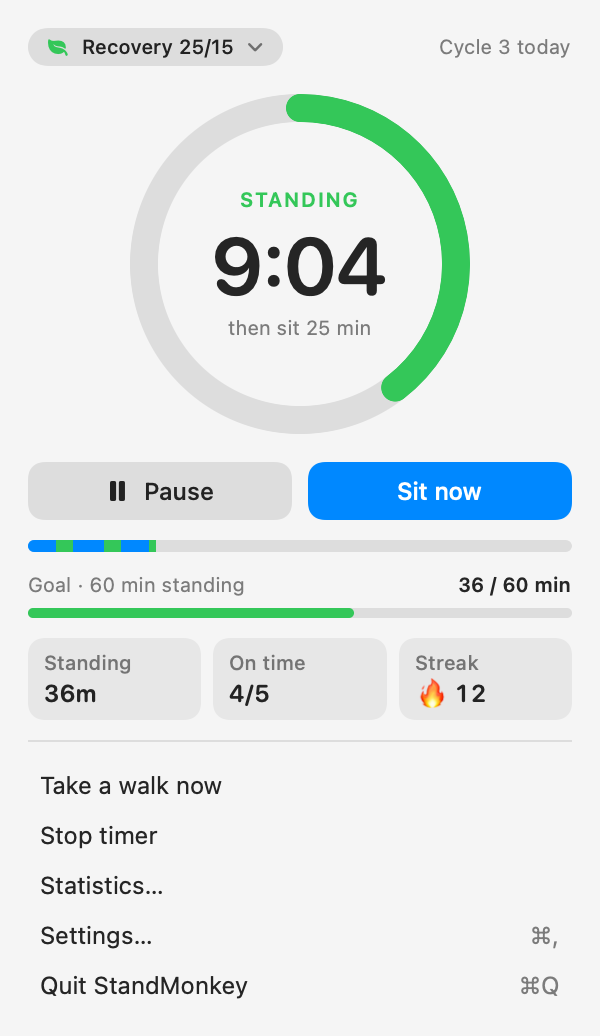
Pick a routine once. StandMonkey counts each phase down and tells you when to switch. A switch only counts when you confirm it, so your stats show what you really did.
Sit
A countdown runs, for example 40 minutes. On a Mac it lives in the menu bar as a coloured dot and the time left.
Time to switch
A gentle nudge, then a firmer one. Snooze if you're mid-thought, up to a limit you choose.
Stand
Confirm on whichever device is closest: Mac, iPhone, Watch or the lock screen. The others follow.
Move
Optionally, every few cycles, a short walk break. Then back to the start.
Pauses when you're away
Lock your Mac and the timer waits. Back within half an hour and it carries on; away longer and it counts as a break and starts fresh.
Honest stats
Ignoring a reminder never counts as standing. Skips show in your stats but never cost you a streak.
Any desk
No desk to pair, no motor to control. A standing desk, a desk converter or a kitchen counter all work.
Reminders that get firmer
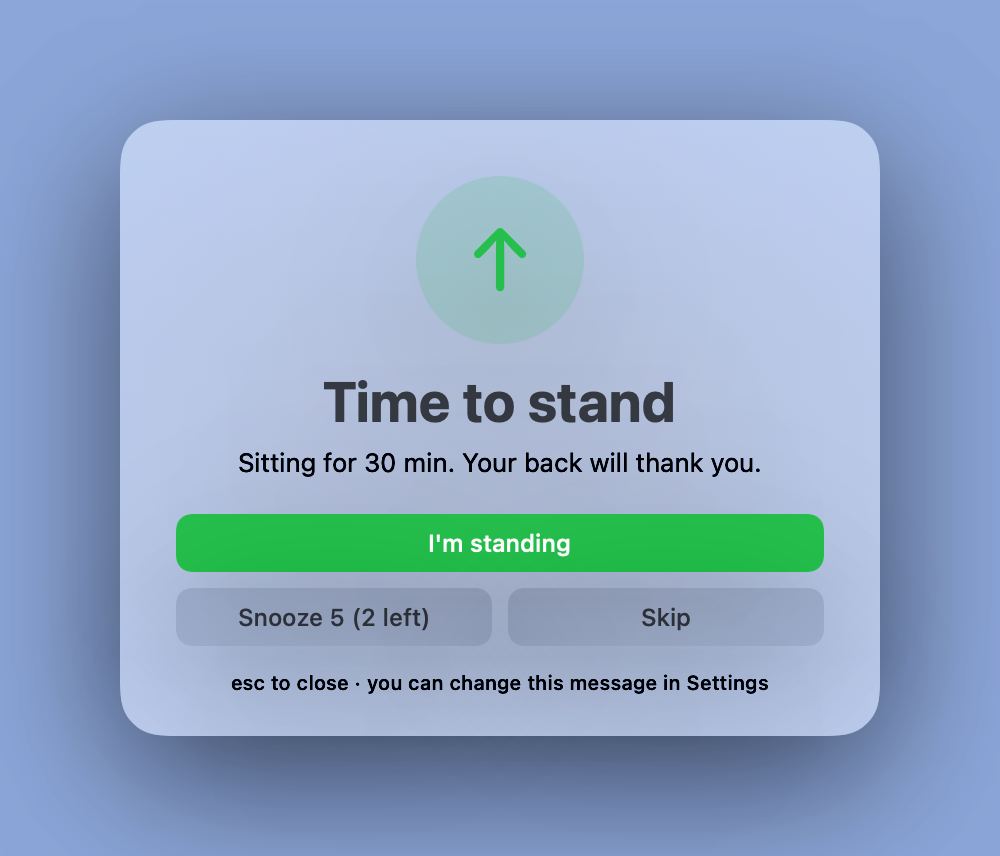
Easy to ignore is the problem with most reminders. StandMonkey starts politely and steps up if you don't move.
- A minute before: the menu bar dot pulses (or your Watch taps you).
- On time: a notification with Switch and Snooze buttons.
- A couple of minutes late: a firmer alert with a sound.
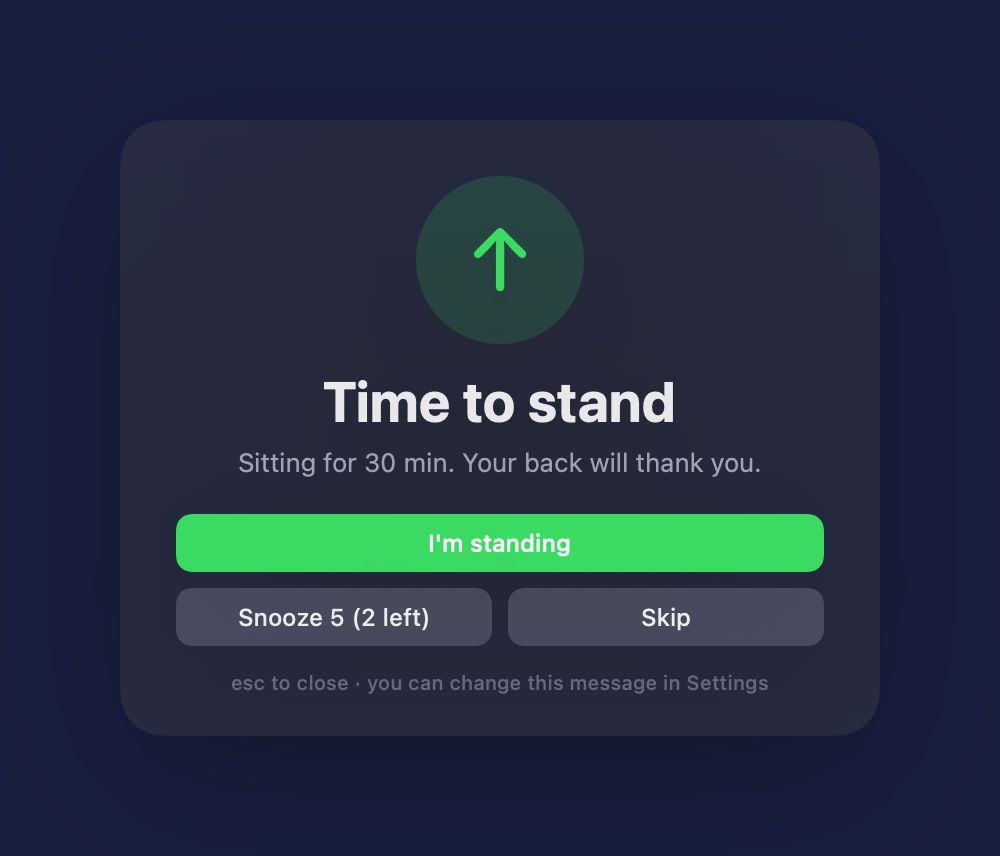
- Still sitting: a soft overlay on your Mac. It never covers a full-screen app, and you can list apps it should always leave alone, like your video-call app.
Every step, its timing and the overlay message can be changed, or turned off.
Start gently. Build up.
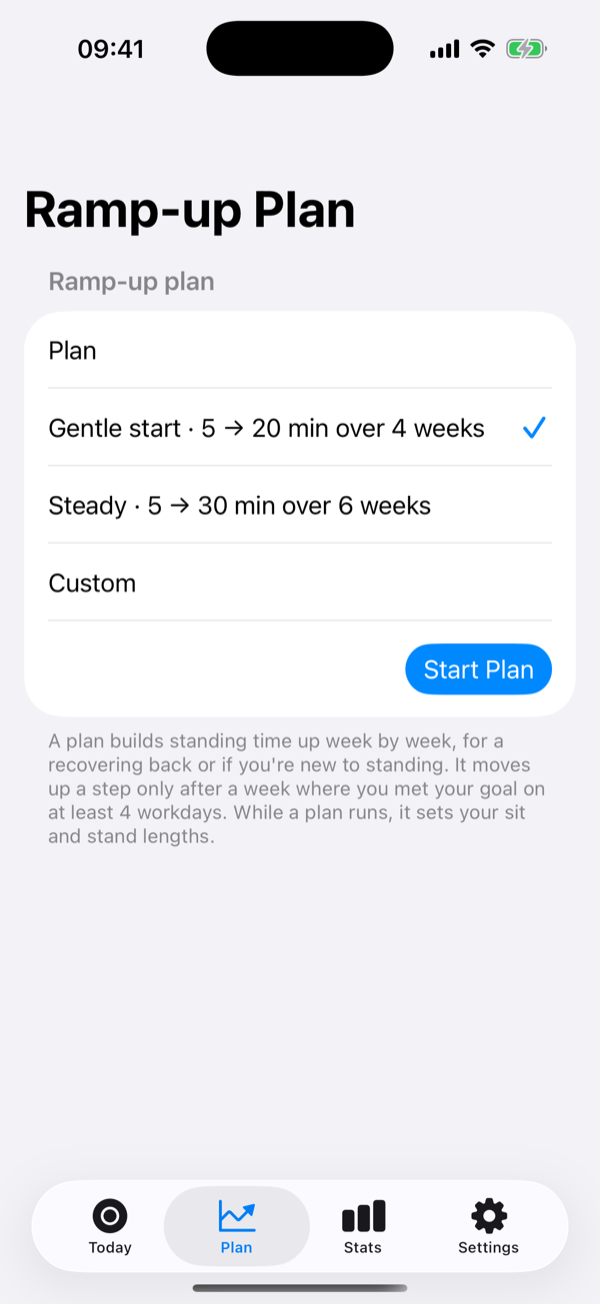
If your back is sore, or standing is new, too much too soon hurts. A ramp-up plan does the pacing for you.
- Gentle start: 5 minutes standing an hour, building to 20 over four weeks.
- Steady: 5 to 30 minutes over six weeks, or make your own.
- Moves up only when you're ready: the next step comes after a week where you met your goal on at least four workdays.
- Presets for the rest of the time: Focus, Recovery (with walk breaks) and Meetings, or your own.
- Work hours: on the Mac, the day starts itself at your start time and stops at the end.
See your progress
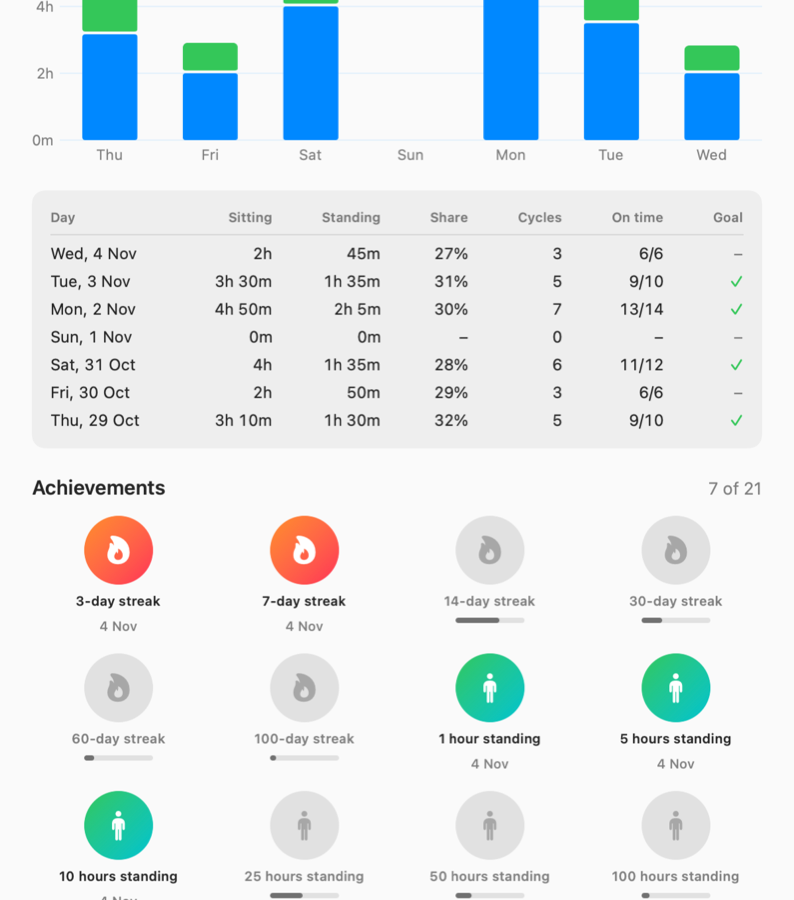
A daily goal, a streak and a week at a glance. Nothing to manage, nothing to log.
- Daily goal: minutes standing, cycles, or your standing share.
- Streaks with a safety net: workdays only, and one missed workday a week is covered automatically.
- 21 achievements for streaks, hours standing and cycles completed.
- Share a summary card of your day or week, if you like.
One timer, on every device
Start on your Mac, switch from your Watch, glance at your phone. The timer is shared through your own iCloud, so every device shows the same countdown, and only the device you're using reminds you.
Mac
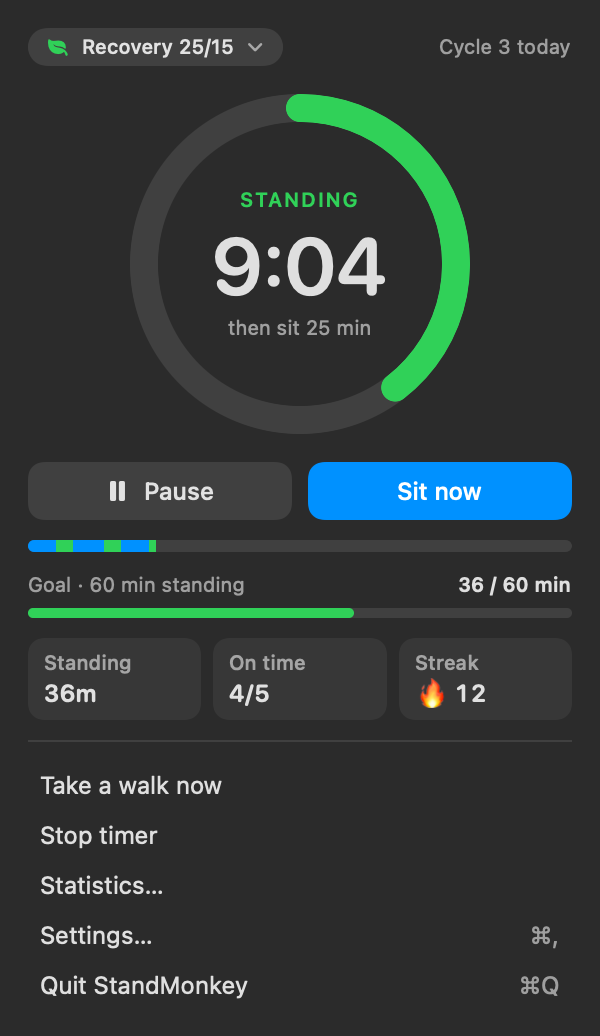
Lives in the menu bar, with no Dock icon. A popover with the ring and quick controls, a global keyboard shortcut, and a statistics window.
iPhone
The timer on your lock screen as a Live Activity, with a button to switch. Home and lock screen widgets too.
iPad
A two-column layout with the timer and your day side by side. Runs the timer itself when there's no Mac around.
Apple Watch
The countdown on your wrist and on your watch face. Double-tap to confirm a switch on supported watches.
Made to fit you
Your colours
Choose the colours for sitting, standing and walking.
Your menu bar
A dot, the time left, both, or an arrow, in minutes or minutes and seconds.
Your sounds
Six calm alert sounds, or the system sound.
For everyone
Works with VoiceOver, larger text, Reduce Motion and Increase Contrast, in light and dark mode.
Private by design
No account. No analytics. No tracking. Your history and settings stay on your devices and in your own private iCloud, which the developer can't see. Read the privacy policy.
Price
StandMonkey is free to download for the first 30 days after launch. After that it becomes a one-off 99p / 99¢. Download it while it's free and it's yours to keep, with updates.
One purchase covers Mac, iPhone, iPad and Apple Watch. No subscription, no in-app purchases.