
iOS · iPadOS · tvOS · Web
Turn chores into a star chart your kids actually want to check.
Self-hosted, single-purpose, and built for a real household — on iPhone, iPad, Apple TV, and the web. No accounts to create, no ads, no subscription, and nobody's server holding your kids' data but your own.
What it does
Two surfaces, one household
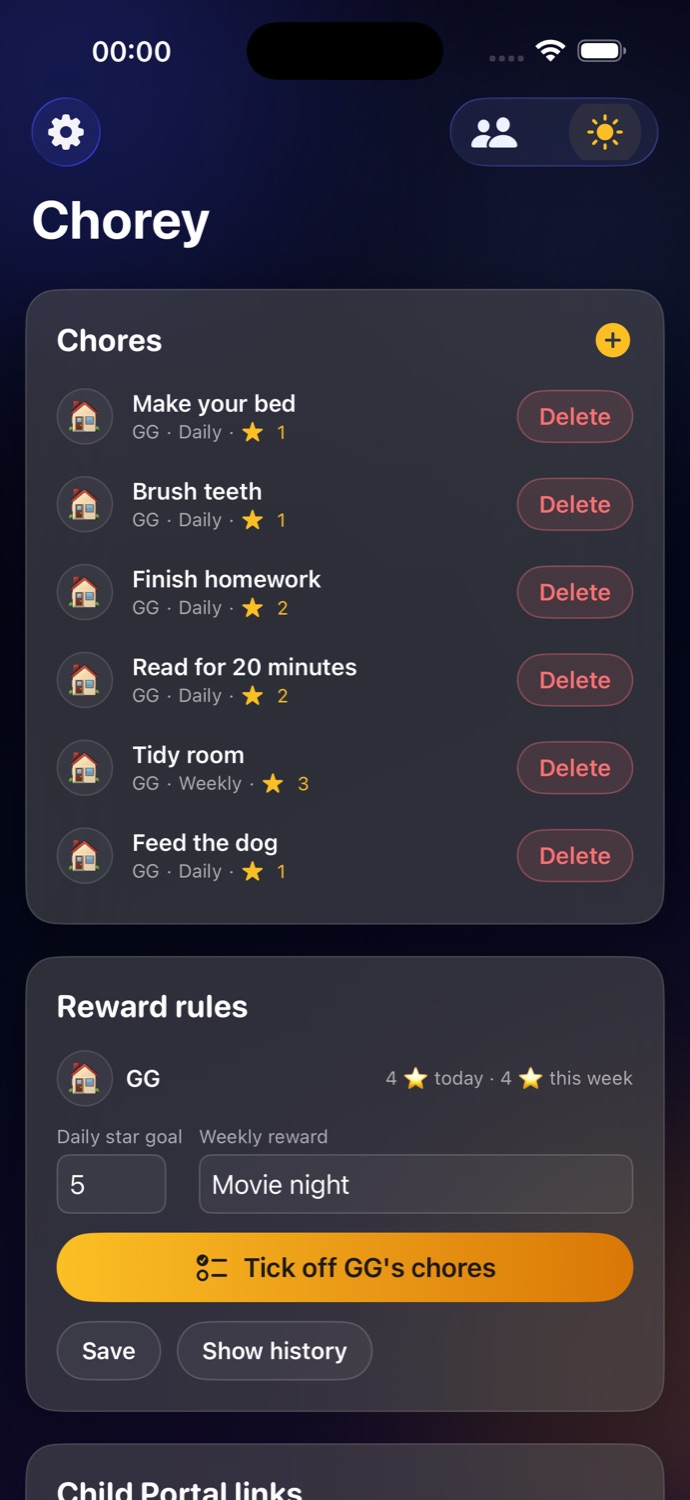
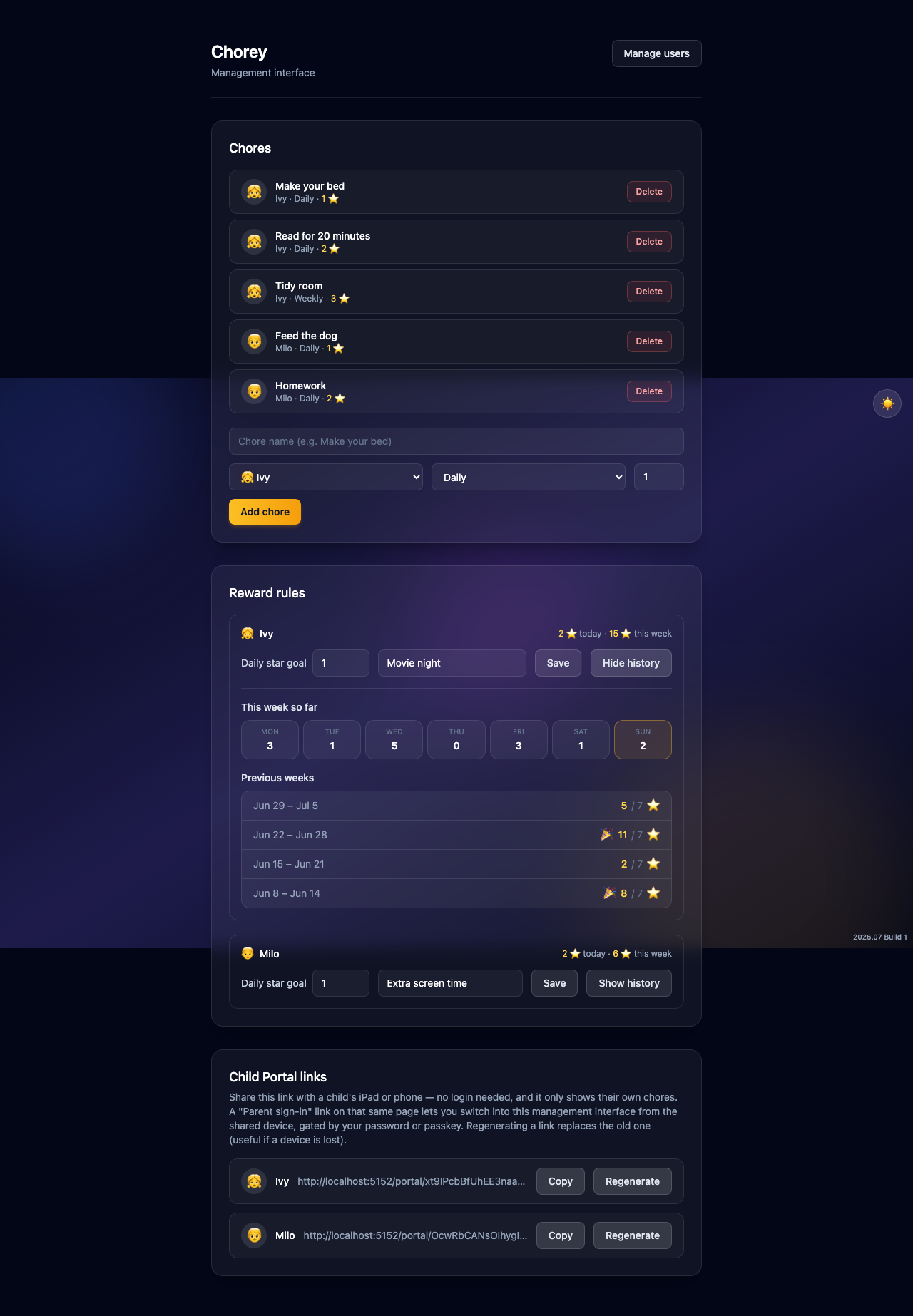
A Parent dashboard for creating chores, reward rules, and portal links — and a no-login Child Portal on a shared tablet where tapping a finished chore is the whole interaction.
Grouped by time of day
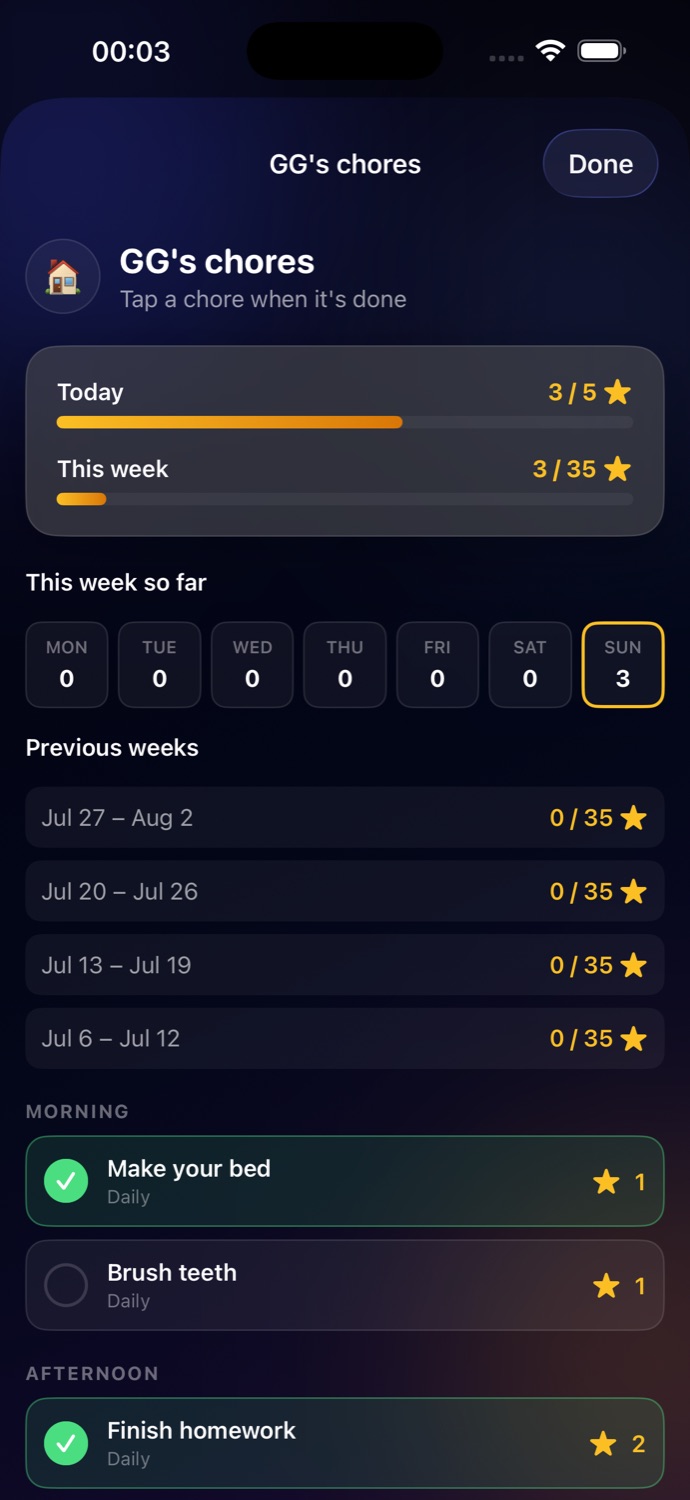
Every chore is Morning, Afternoon, Evening, or All Day — the checklist groups itself the same way a real routine does, not by an arbitrary list order.
Weekly star history
A Monday–Sunday day strip plus the last few completed weeks, each graded against the reward goal that was actually in effect that week — raising the bar today never rewrites last week's result.
Passkeys and Face ID
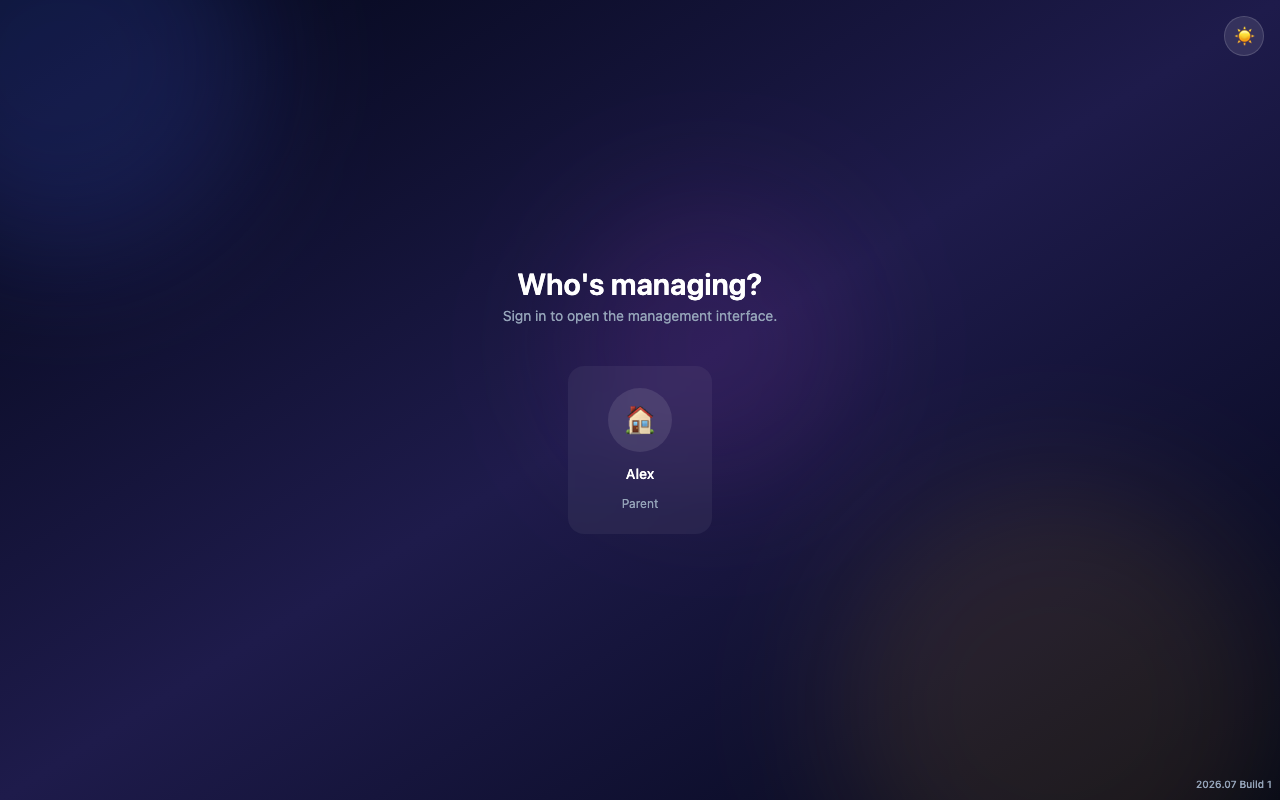
Parent sign-in supports passkeys instead of a typed password on a device the kids also use. Face ID locks the parent view on shared iPhones and iPads.
Light and dark, on purpose
Both themes are designed, not just default system styling — and they match across the web dashboard and every native app.
Native on every screen
iPhone and iPad for full management on the go, Apple TV for a shared checklist on the living room screen, and a web dashboard that needs nothing installed.
Screenshots
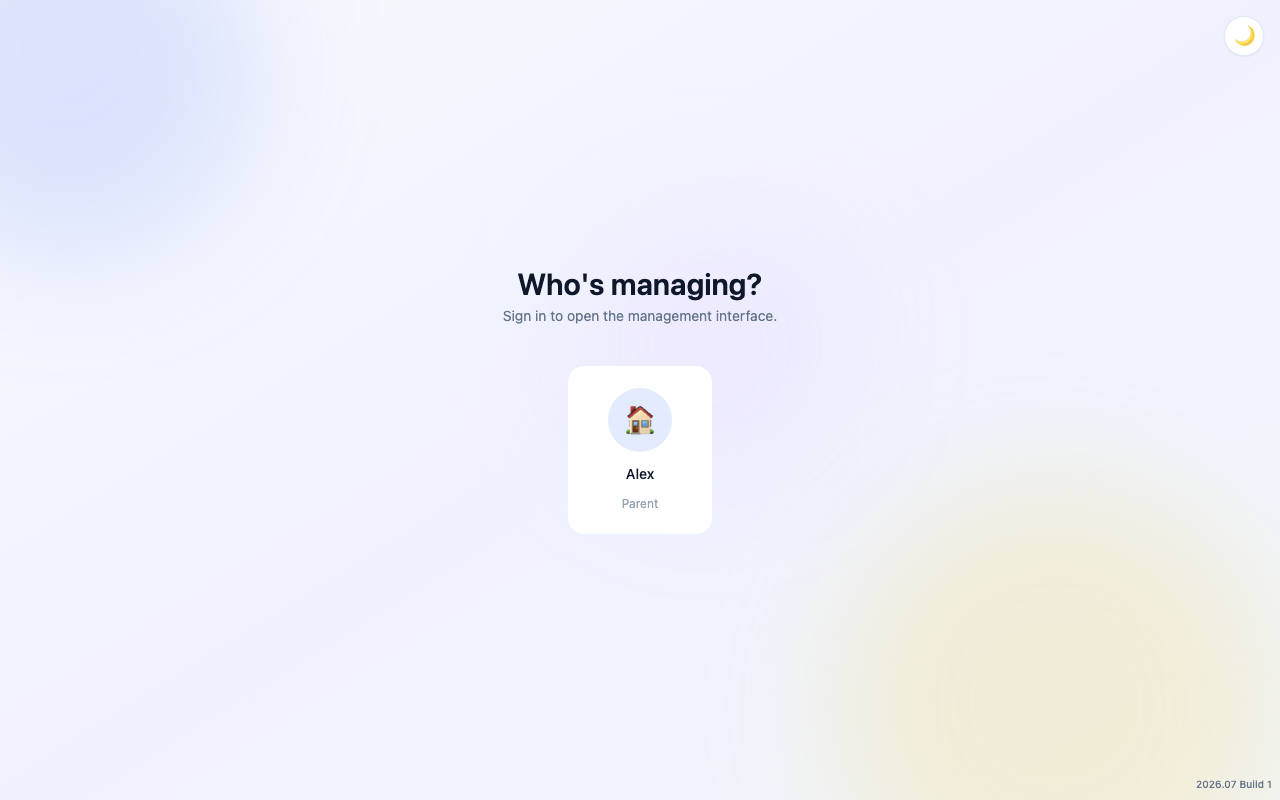
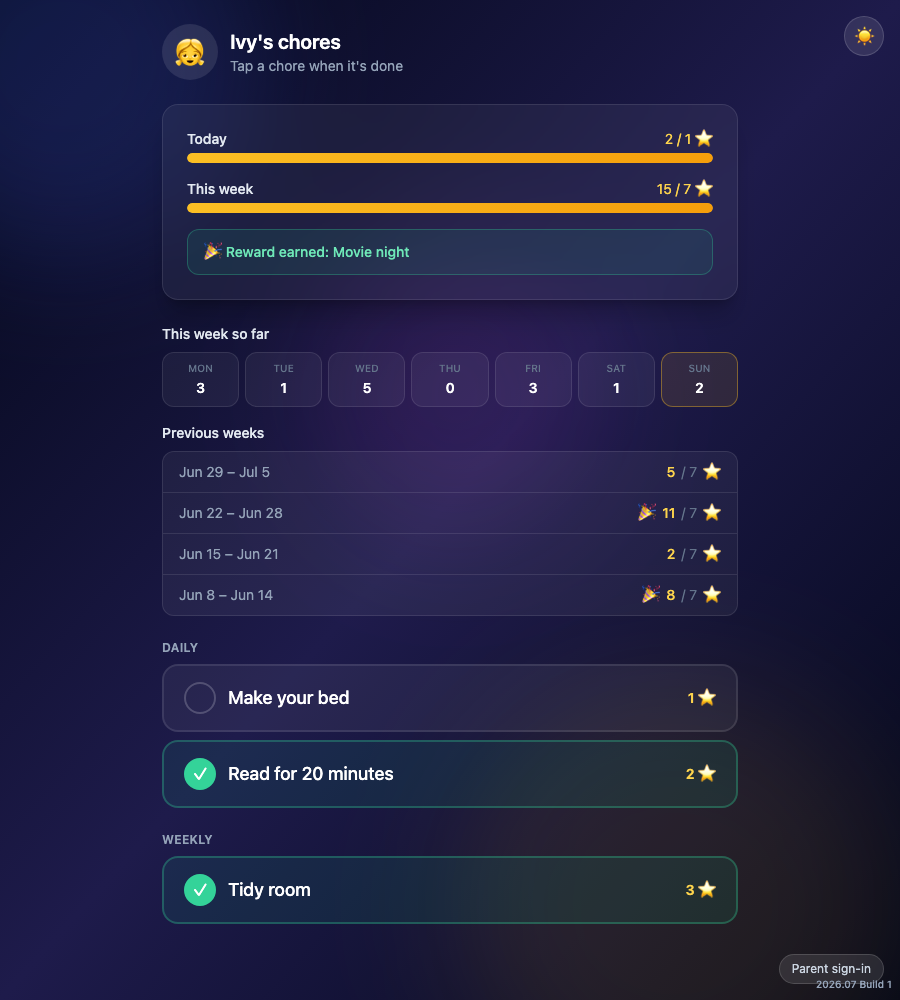
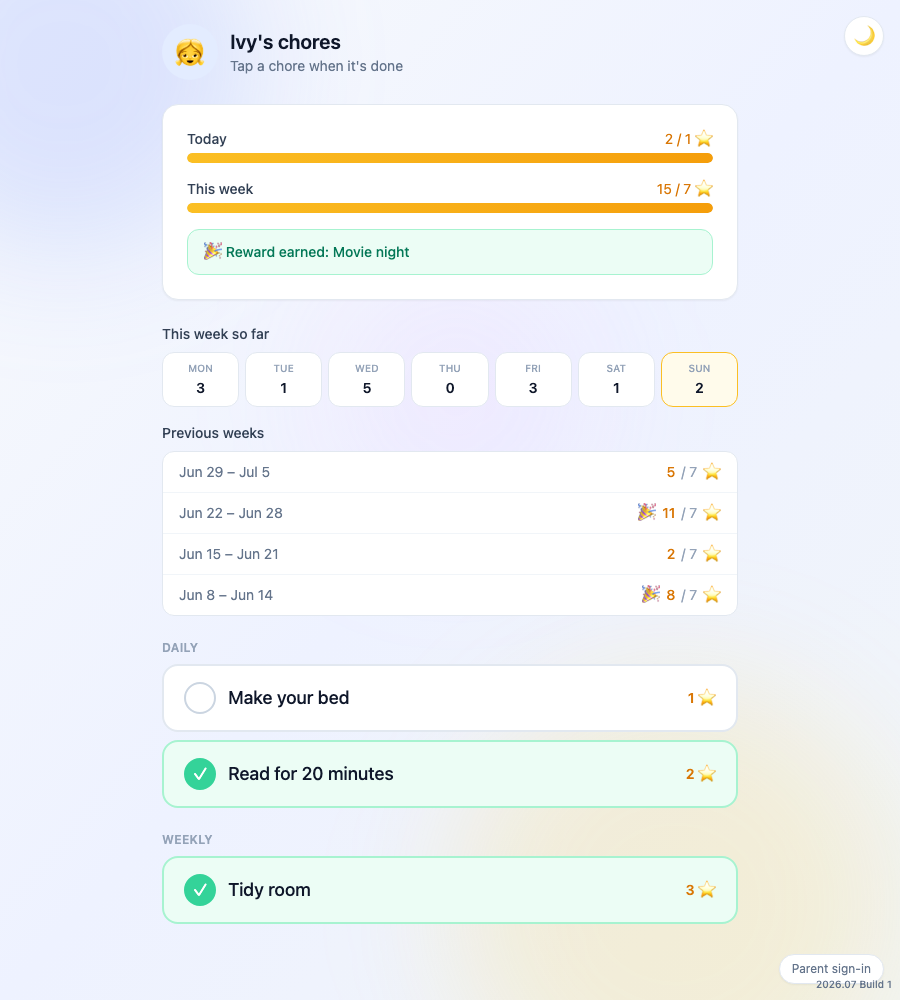
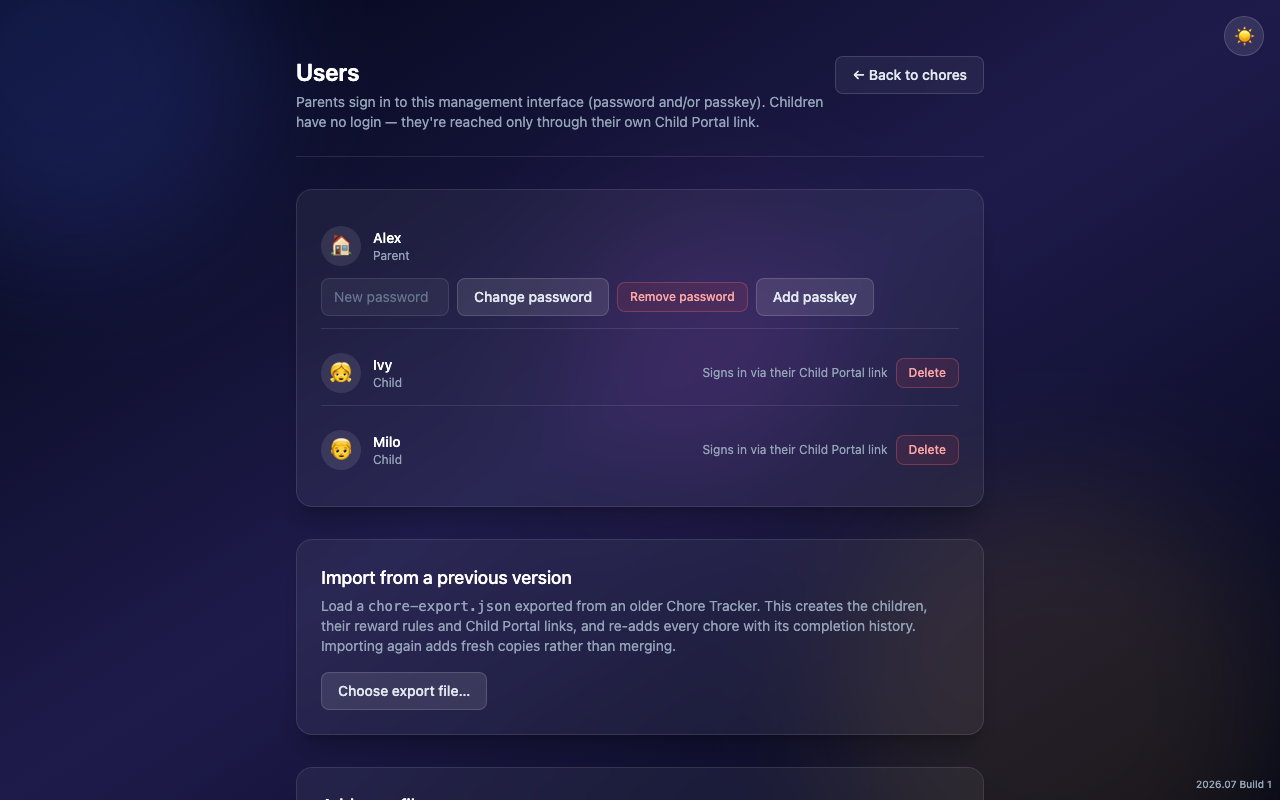
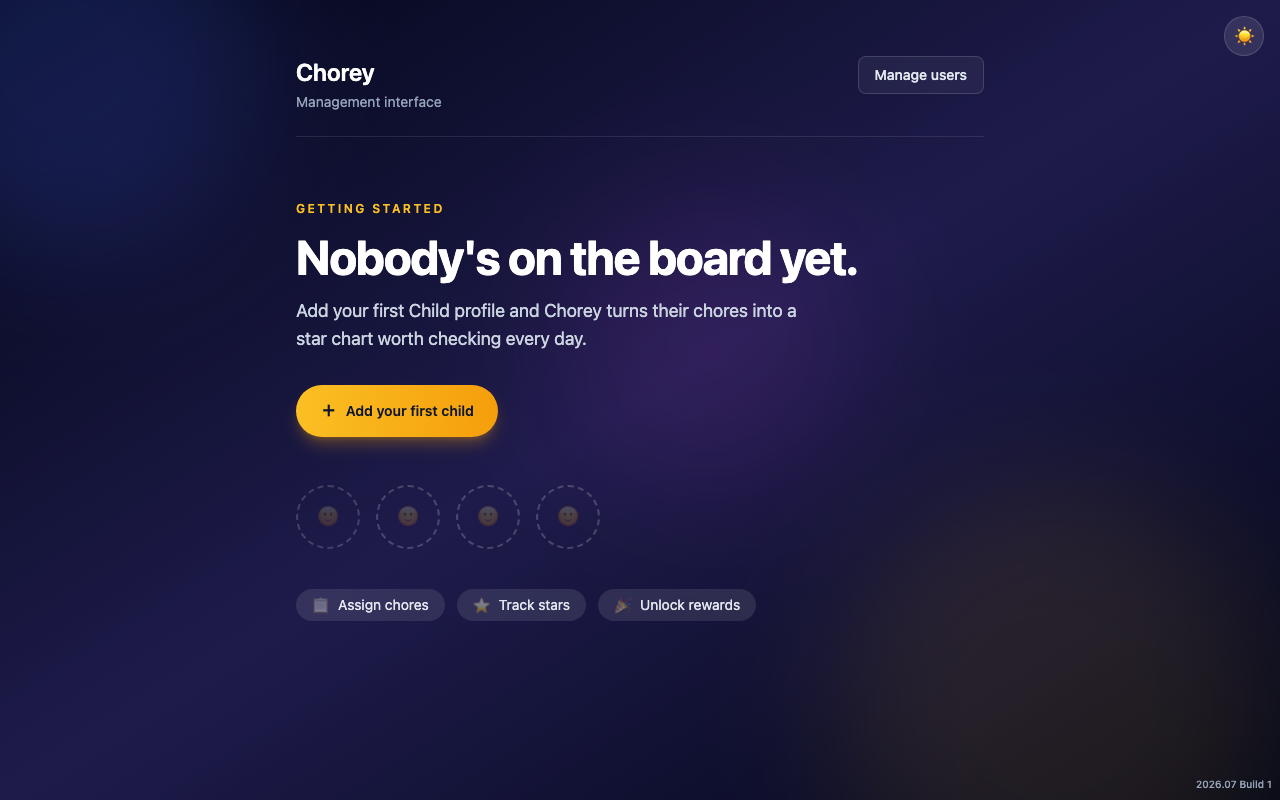
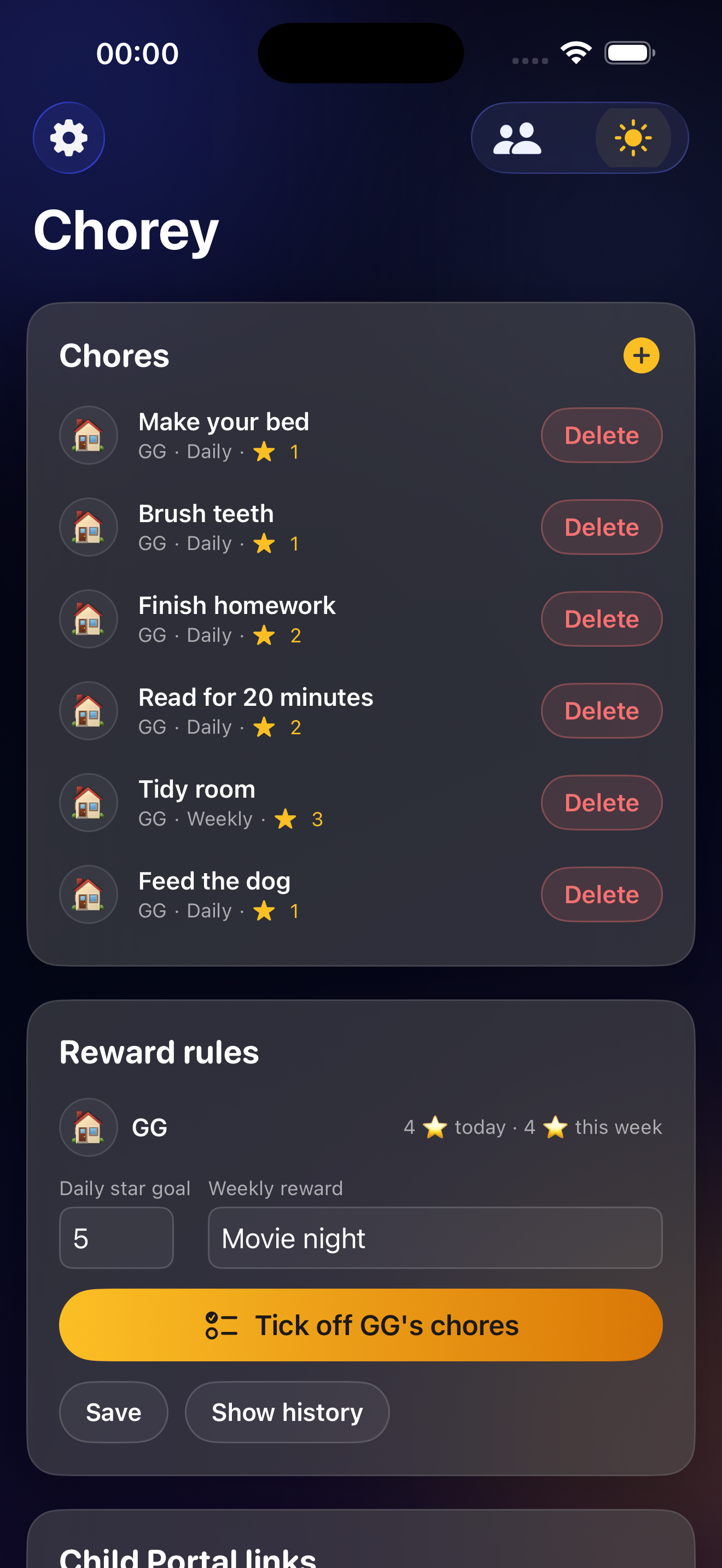
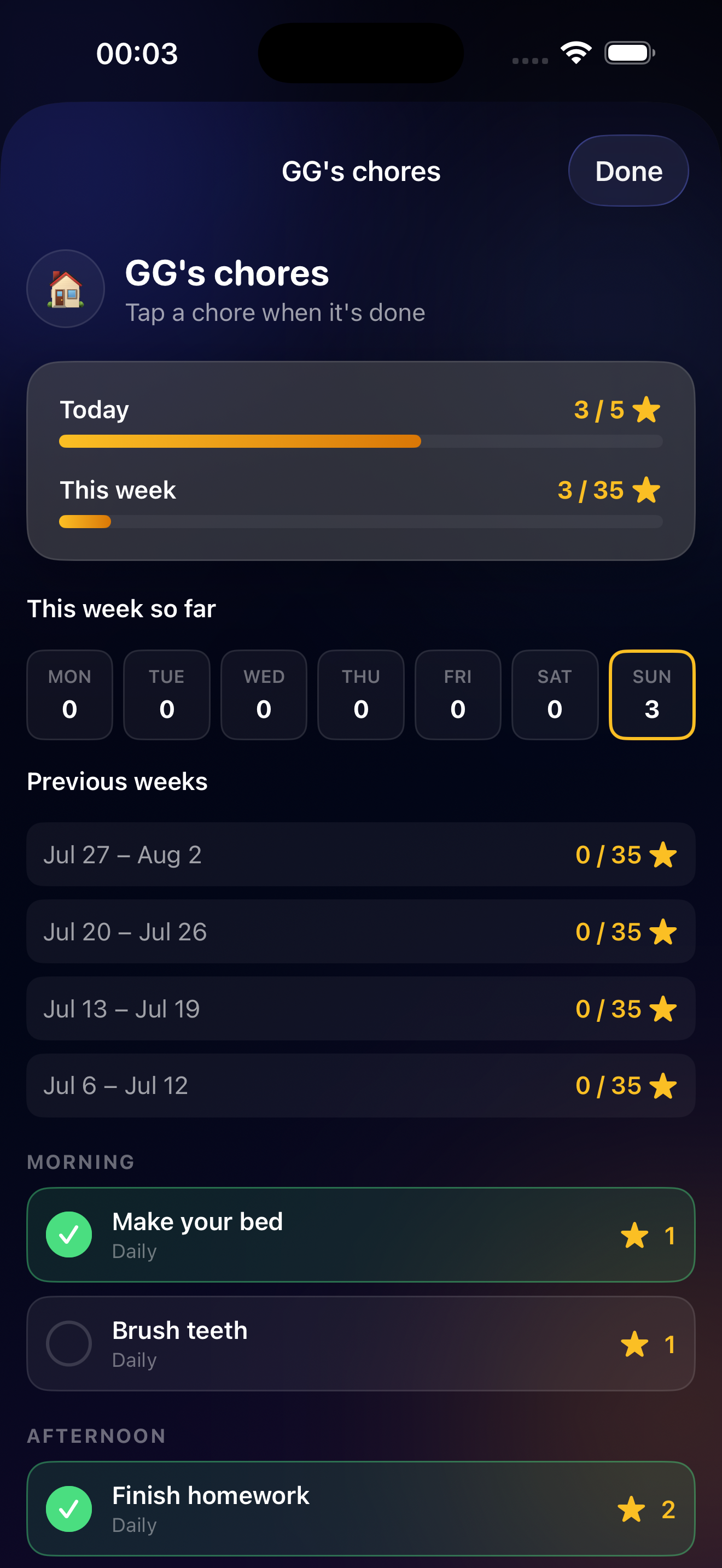
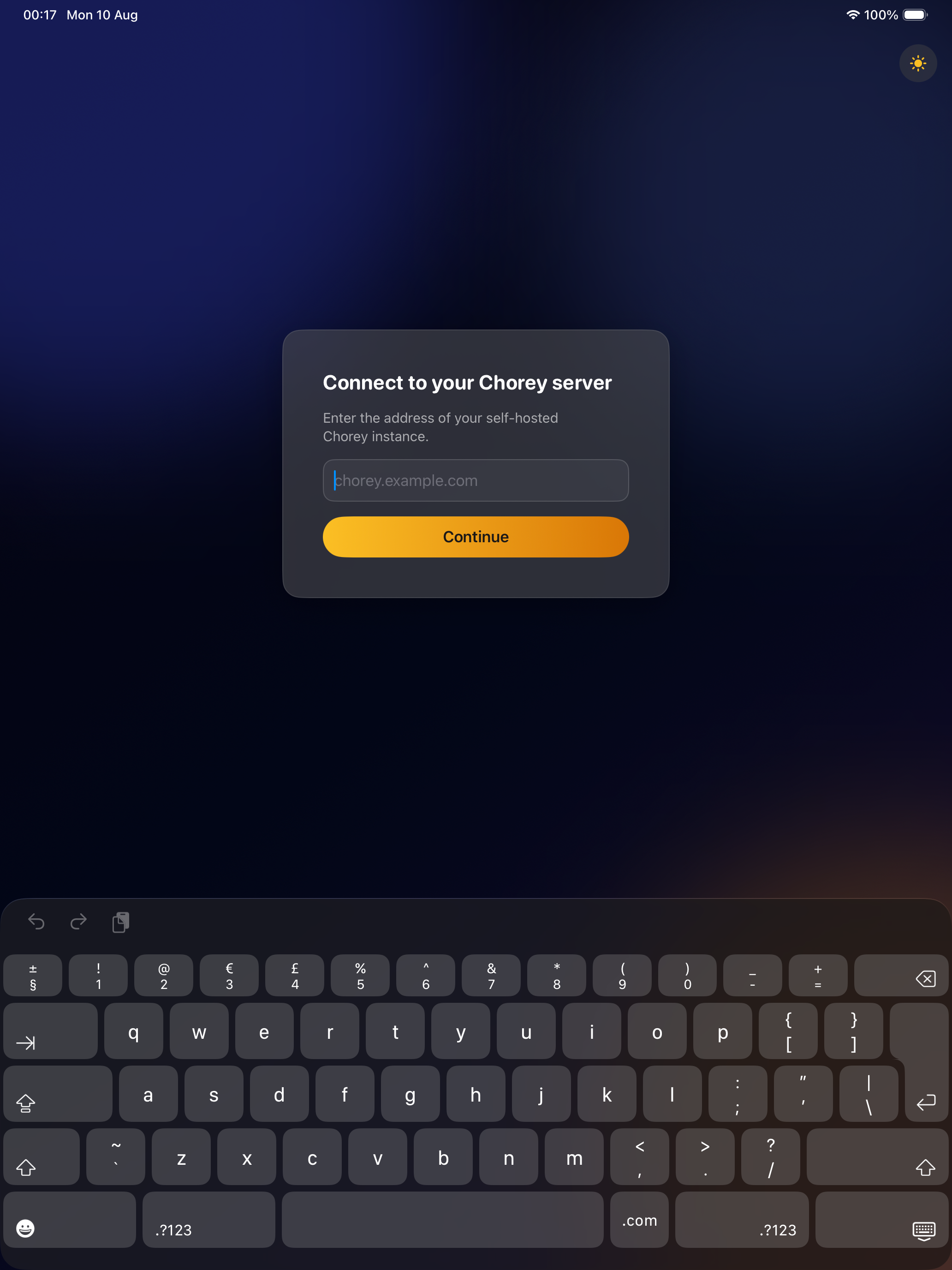
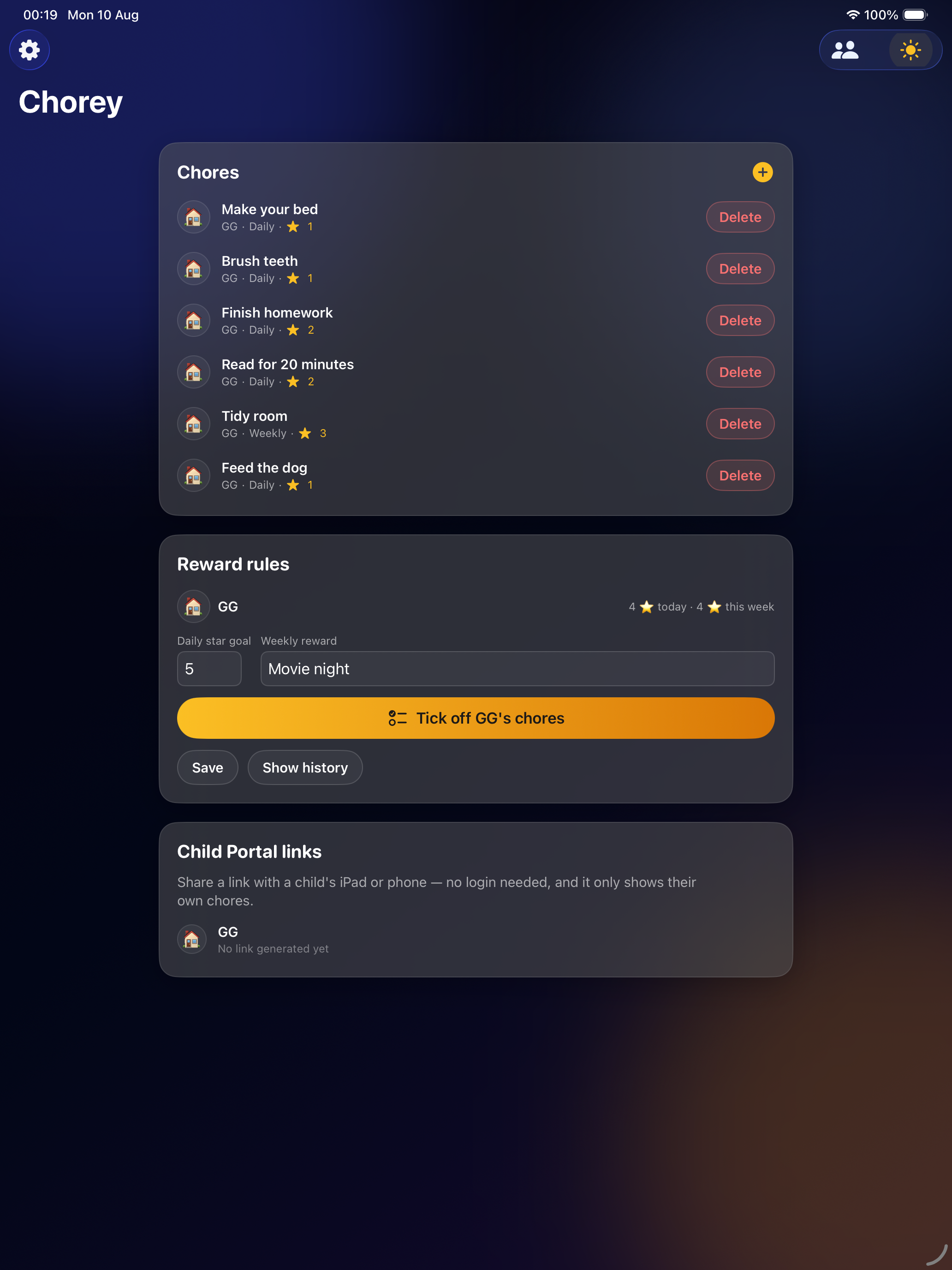
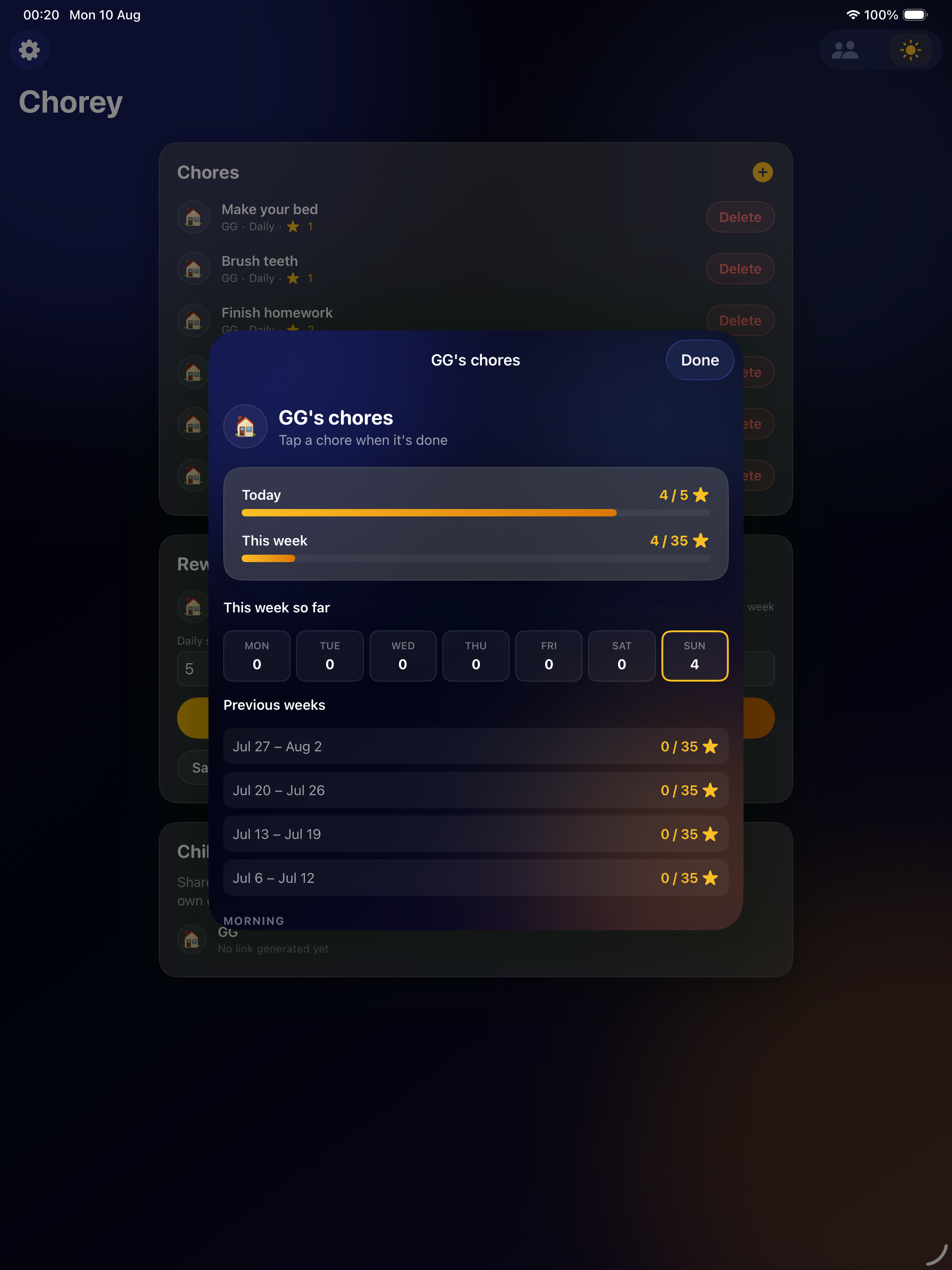
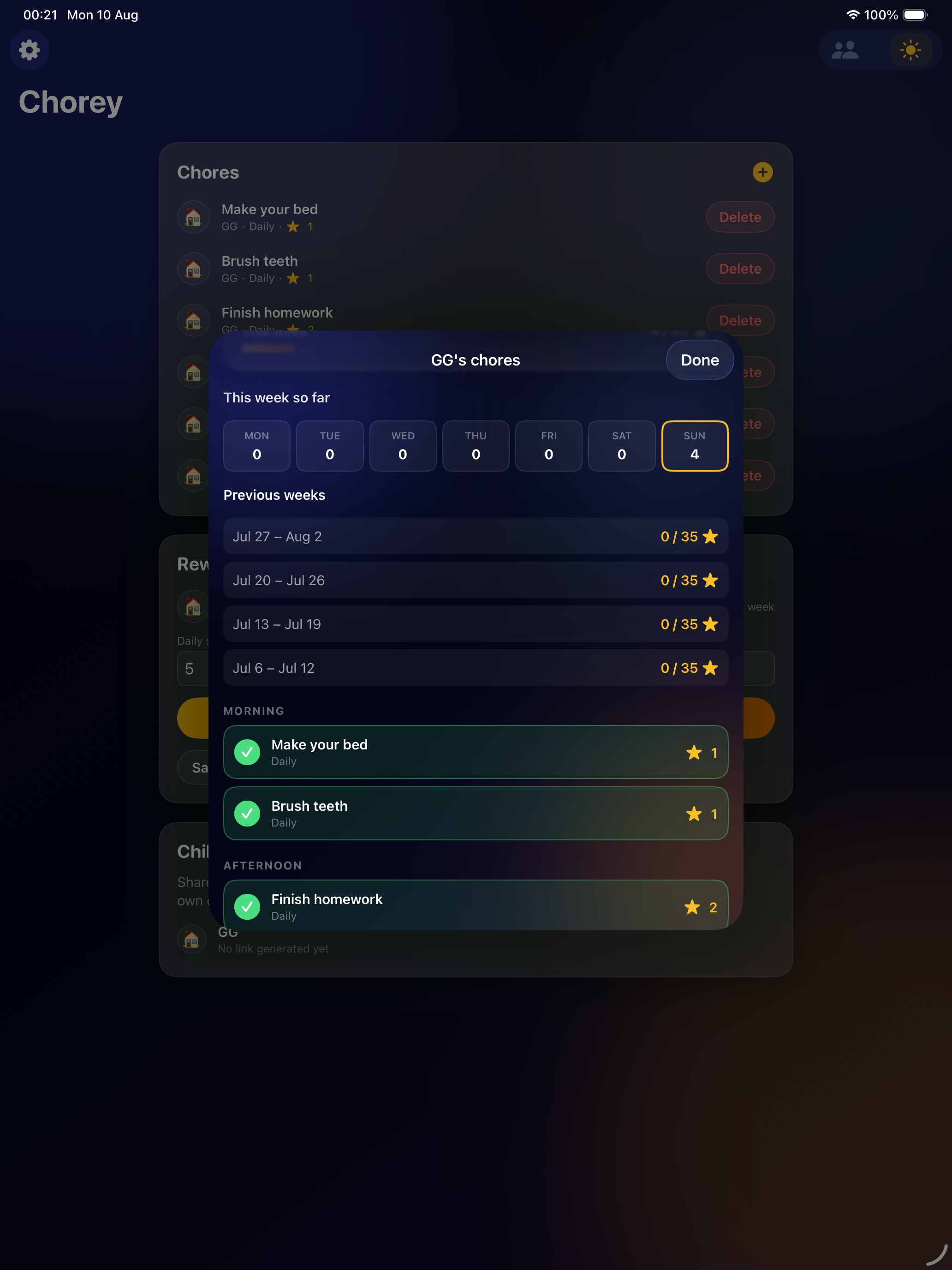
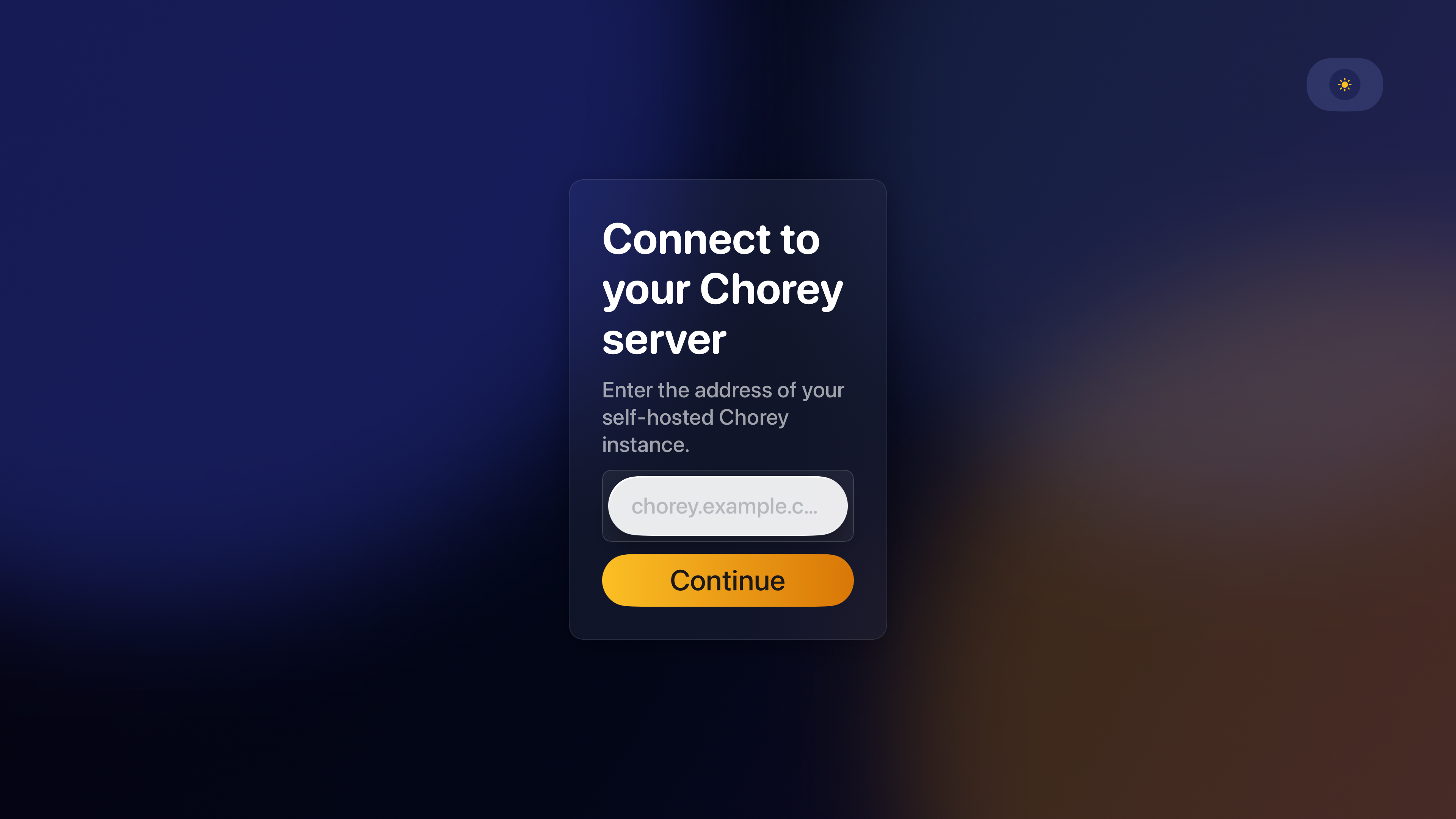
More Apple TV screens — the child picker and checklist — are on the way; they're the actual selling point for the big screen and are being captured on-device.
Built for every screen
Get started
- Run the Chorey server — one Docker container, works on a Raspberry Pi, a NAS, or any small box on your network.
- Open the web dashboard and create your first parent profile.
- Generate an API key under Manage users → API keys.
- Paste the key into the iPhone, iPad, or Apple TV app — that's it, no separate sign-up.
Full setup instructions live in the project README. github.com/gareth-c/chorey →
Your data stays yours
Chorey never talks to any server but the one you point it at. There's no Dark Studios cloud account behind it — no analytics, no tracking, and no third party in the loop. Your family's chores live in one SQLite file on your own hardware.
App Store description
Chorey is a self-hosted, single-purpose chore tracker for your family — no accounts to create, no ads, no subscription, and nobody's server holding your kids' data but your own.
This app is the native companion to your own self-hosted Chorey server (the open-source project at github.com/gareth-c/chorey). Point it at your instance, paste in an API key created from your web dashboard, and you're in — there's no separate sign-up, ever.
What it does
- Parents get the full picture: every chore, every child, reward rules, and Child Portal links, all in one place.
- Kids get a satisfying tap-to-complete checklist grouped by morning, afternoon, evening, and all day — with a running star count and a weekly history showing exactly how close they are to a reward.
- "Tick off [child]'s chores" lets a parent jump straight into any child's checklist from their own device — handy for a kid who doesn't have their own phone yet.
- Weekly rewards are graded against the goal that was actually in effect that week — raise the bar today without quietly rewriting last week's results.
Built for every screen
- iPhone and iPad — the full management experience: create and edit chores, set reward rules, and check in on the family's progress from anywhere.
- Apple TV — put the star chart on the kitchen or living room TV. Pick a child and their checklist fills the big screen, so tapping through today's chores becomes a shared, visible moment instead of something buried in an app.
- Face ID keeps the parent view locked when the phone or iPad is a device the kids also use.
- Light and dark themes, both designed on purpose — not just default system styling.
Your data stays yours
Chorey never talks to any server but the one you point it at. No analytics, no tracking, no third party in the loop — just your family's chores, on your own hardware.
Requires
A running Chorey server (self-hosted, free, open source) and an API key created from its web dashboard under Manage users → API keys. See the project's README for a five-minute Docker setup. This app cannot create its own key or work without a server to connect to — it's a client for people already running (or willing to run) Chorey themselves.